

What is MCP?
MCP is a connection pattern that helps AI applications expose tools, data, and services to models in a more consistent way.
Quick answer: MCP stands for Model Context Protocol. It is a standard way for AI applications to connect models to external tools, data, and services. Instead of every AI app building every integration differently, MCP gives them a more consistent connection pattern.
The simple version
MCP stands for Model Context Protocol. It is a standard way for AI assistants to connect to external tools, data, and services. Instead of every app inventing its own connection method, MCP gives them a shared pattern.
Why MCP matters
LLMs are powerful with language, but many useful tasks need access to something outside the chat: files, browsers, calendars, databases, GitHub, local apps, or company systems. MCP helps an assistant discover and use those capabilities in a more consistent way.
The model can explain what to do, but it cannot inspect your actual file or browser state.
The assistant can connect to a specific tool server and use approved actions or resources.
The basic idea
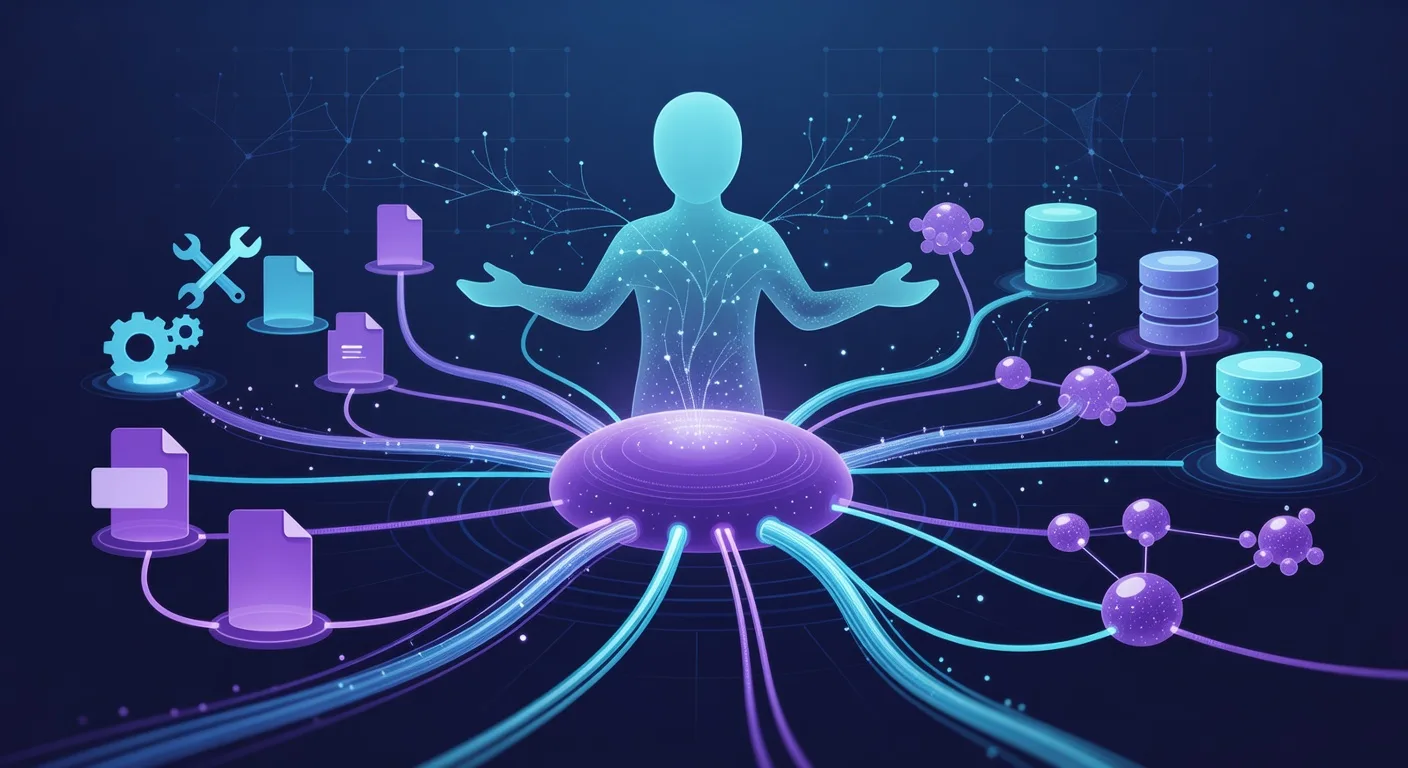
Think of MCP like a common plug system for AI tools. The assistant is the model. The MCP server exposes useful capabilities. The user or app decides which servers are allowed.
- An MCP server offers tools, resources, or prompts.
- The AI client connects to that server.
- The assistant can request approved actions through the protocol.
- The user stays in control of what is connected.
A real example
A browser MCP server might let an AI assistant inspect a page, click buttons, or read visible content. A filesystem MCP server might let it search files. A database MCP server might let it query approved data. The point is not the brand name; it is the standard connection pattern.
MCP-style example: “Use the browser tool to inspect this page, summarize the visible pricing table, and tell me if there are broken links.”What MCP is good for
MCP is useful when an AI assistant needs real context from tools or systems instead of only conversation text. It can make agents more practical because they can read, search, inspect, and act through defined interfaces.
What to be careful with
Tool access is powerful. A connected assistant may be able to read sensitive files or trigger actions depending on what you allow. Start with low-risk tools, understand permissions, and avoid connecting private systems casually.
- Only connect tools you trust.
- Prefer read-only access when learning.
- Review actions before allowing changes or external sends.
A common mistake is thinking MCP is a model. It is not. MCP is a connection protocol that helps models and AI apps talk to external tools and context sources.
Pick one everyday tool connection idea, like browser, files, notes, or calendar. Write what an AI assistant should be allowed to read, what it should never access, and what actions should require approval.
Try prompt: “Help me design safe permissions for an AI assistant connected to my notes. Separate read-only actions, actions that need approval, and actions that should be blocked.”One thing to remember
MCP is about connecting AI assistants to tools and context in a standard way. The more tools you connect, the more useful the assistant can become — but permissions and trust matter.
Tools to try for this lesson
Optional, beginner-friendly tools for practicing this exact concept. Try one after the lesson, or browse the full Neural Nexus index for more options.
- ClaudeA familiar MCP-capable assistant for understanding why tool connections matter.
- BrowserMCPA concrete MCP server that lets an AI assistant interact with a browser.
- AnythingLLMA practical workspace for seeing models connect to documents, tools, and workflows.